

How I Actually Use ChatGPT to Write Blog Posts Faster (Real Workflow)
I still remember how long it used to take me to write a single blog post.
Even a simple 1500-word article could swallow an entire day. First came the research. Then outlining. After that, writing, editing, fixing grammar, optimizing SEO, and rewriting awkward paragraphs. Honestly, the whole process felt exhausting.
Things changed when AI writing tools started becoming popular.
At first, I was skeptical about ChatGPT. I assumed the output would sound robotic or obviously artificial. And to be fair, some AI-generated articles still do sound that way. But after experimenting with different prompts and editing approaches, I realized something important: ChatGPT can become an extremely useful blogging assistant — if you know how to work with it.
Notice the word "assistant."
That distinction matters more than most people realize.
I don't believe AI should completely replace human writing. Readers can still tell when an article feels hollow or overly polished. But when you combine ChatGPT with your own ideas, experiences, and editing, the entire workflow speeds up dramatically.
In this guide, I'll walk through the exact process I use today — including the prompts that actually work, the mistakes that beginners make, and why human editing still makes all the difference.
What ChatGPT Is Actually Good At (And Where It Falls Short)
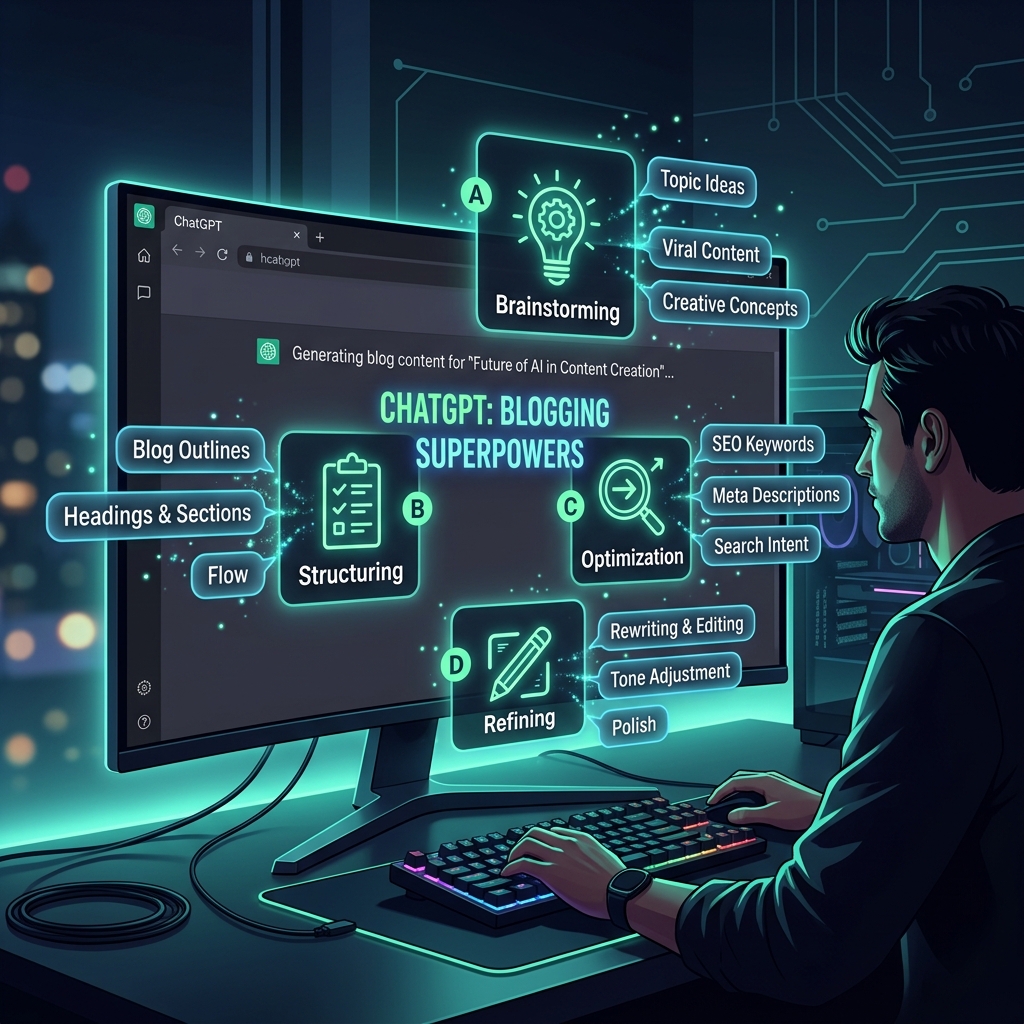
Before using ChatGPT for blogging, it helps to understand where it genuinely performs well — and where it doesn't.
Personally, I've found it most useful for:
- Topic brainstorming — Generating dozens of article ideas in minutes
- Building outlines — Creating structured frameworks for long-form content
- Rewriting awkward sentences — Improving readability without losing the core message
- Generating SEO elements — Meta descriptions, FAQs, tag suggestions
- Summarizing research — Condensing long articles into key points quickly
For example, when I'm stuck on blog ideas, I'll ask something like:
"Give me 10 beginner-friendly blog topics related to SEO and AI writing tools."
Within seconds, I get multiple directions to explore. That's infinitely faster than staring at a blank screen.
But ChatGPT also has real weaknesses you should know about.
Sometimes the content:
- Repeats phrases too often in longer articles
- Sounds generic or emotionally flat
- Uses overly formal phrasing that doesn't match a conversational blog style
- Confidently states incorrect facts
- Lacks the personal perspective that makes readers trust a writer
That's exactly why editing matters so much.
I learned this the hard way after publishing an AI-assisted article without enough revision. The information was technically accurate, but the writing felt lifeless. Engagement dropped noticeably compared to my usual posts. Since then, I've treated every AI draft as a starting point, never a finished version.
Step 1: Topic Research — Don't Skip This

Every good blog post starts with a strong topic.
This sounds obvious, but many people skip proper research and start writing immediately. That usually leads to articles that nobody searches for — and therefore, nobody reads.
When I use ChatGPT for topic discovery, I try to be specific. Instead of asking something vague like:
"Give me blog ideas."
I'll ask:
"Suggest blog post ideas for beginner bloggers who want to use AI tools to grow their traffic in 2026."
The more context you give, the better the output becomes.
Don't Rely Only on AI for Keyword Decisions
This is an important mistake beginners make: trusting ChatGPT completely for keyword choices.
That's risky.
AI can generate interesting ideas, but it doesn't always understand current search trends or actual search volumes accurately. I still validate topics using:
- Google Trends — To check if interest is rising or falling
- Ubersuggest — Free keyword volume estimates
- Ahrefs or SEMrush — For competition and difficulty scores
Sometimes a topic sounds exciting but has almost zero search demand. Research still matters, even with AI involved.
Step 2: Writing Better Titles with ChatGPT
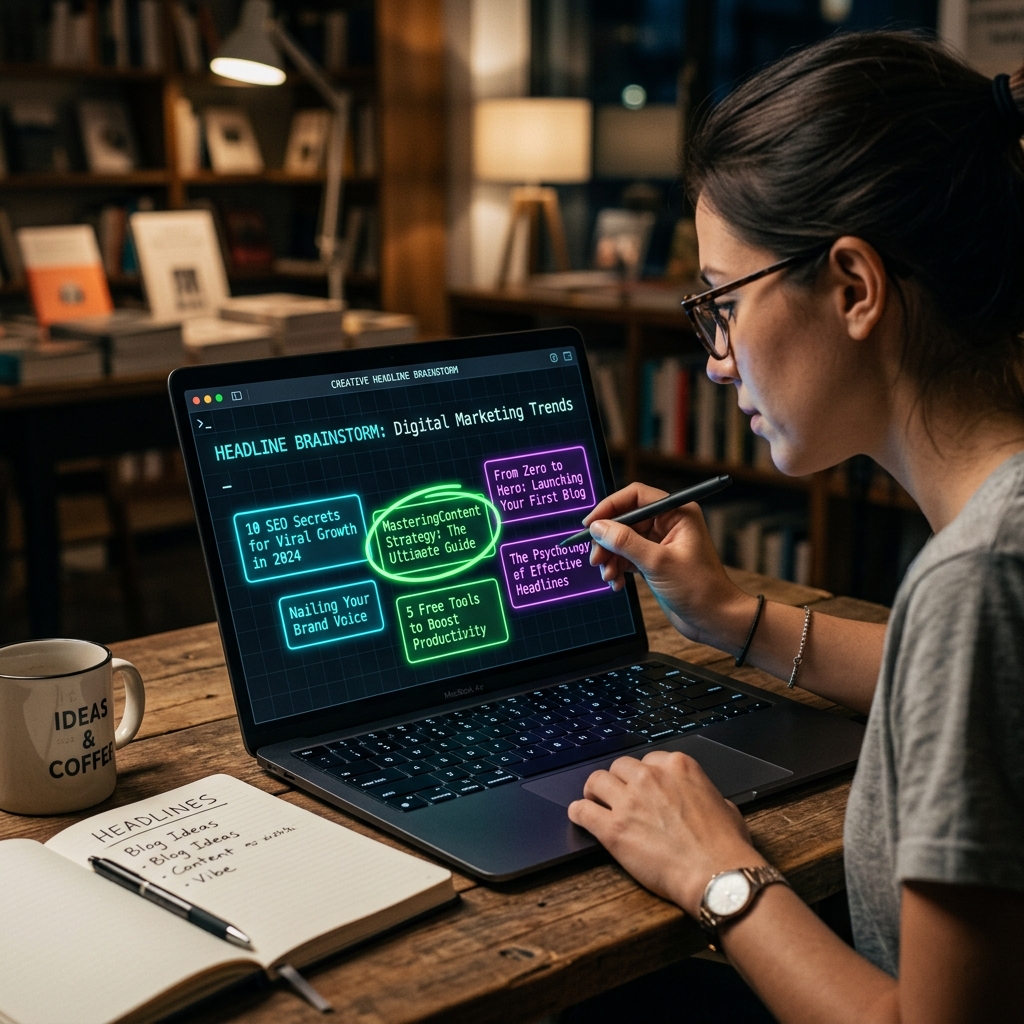
Titles matter more than most people realize.
A weak headline can destroy click-through rates even if the article itself is genuinely excellent. Good headlines feel specific, promise a clear benefit, and create enough curiosity to earn that click.
I usually generate several title options using ChatGPT, then manually combine the best parts.
A prompt that works well:
"Generate 8 engaging blog post titles for an article about using ChatGPT to write faster blog posts. Make them conversational and specific."
ChatGPT might produce:
- How Bloggers Use ChatGPT to Save 5 Hours Every Week
- A Beginner's Honest Guide to AI Blog Writing
- ChatGPT for Blogging: What Actually Works in 2026
Some suggestions feel generic. Others are surprisingly strong.
I usually rewrite the best one slightly to sound more natural. For example, instead of:
"The Ultimate Guide to AI Blogging"
I'd probably go with:
"How I Actually Use ChatGPT to Write Blog Posts Faster"
That sounds like something a real person would say — not a marketing template.
Step 3: Building the Outline First
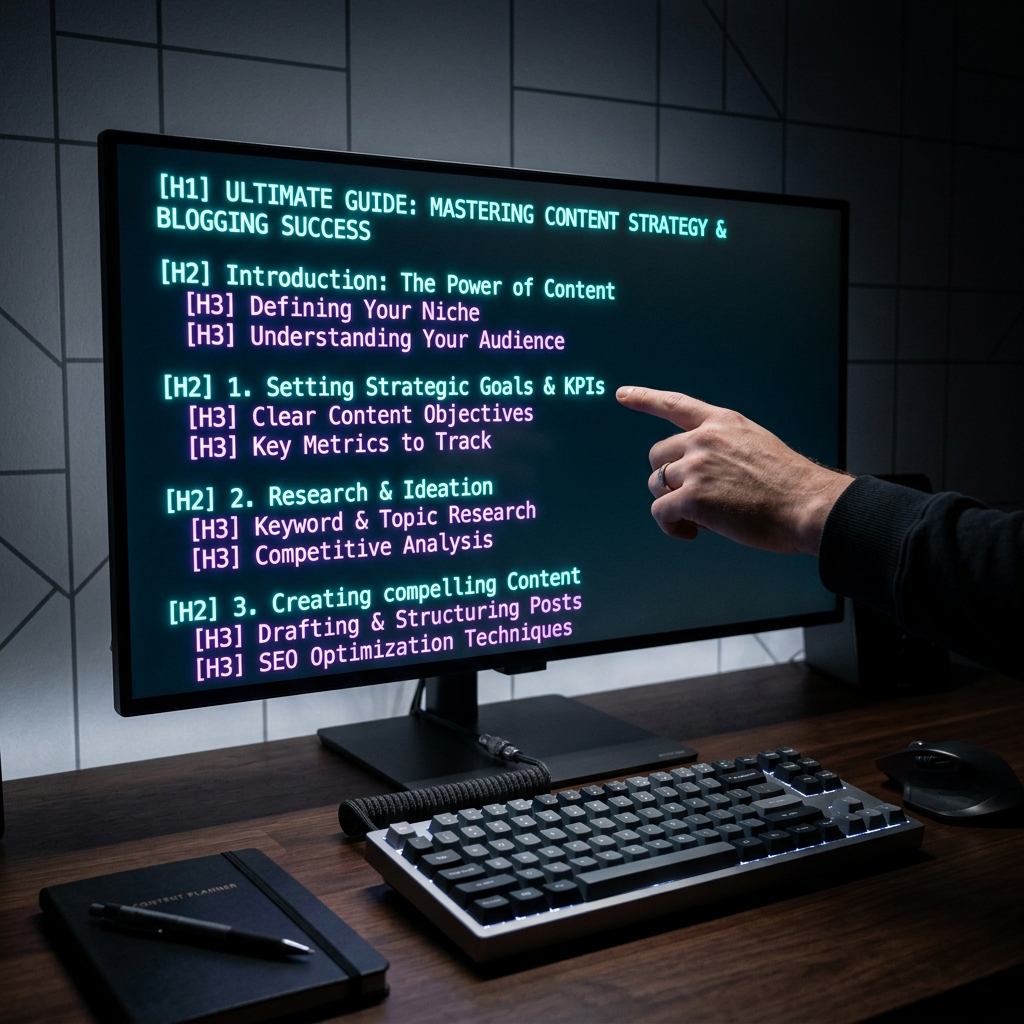
Outlines completely changed how I write.
Years ago, I used to just start typing and figure out the structure as I went. The result was messy articles with poor flow, random tangents, and sections that didn't connect to each other properly.
Now I always create the outline before writing a single paragraph of actual content. ChatGPT makes this extremely fast.
A prompt that works consistently:
"Create a detailed outline for a 2000-word blog post about using ChatGPT to write blog posts faster. Include an introduction, main sections with H2 headings, H3 subheadings where useful, an FAQ section, and a conclusion."
The output usually gives me a solid structure I can work from immediately — saving at least 30 minutes compared to planning manually.
Why Structure Matters More Than Most Bloggers Think
Readers rarely consume blog posts word-for-word anymore.
Most people scan first. They look at headings, skim bullet points, and read full paragraphs only when something catches their attention.
Good structure helps readers quickly find what they need — and it signals to search engines that your content is organized and thorough.
That's why I consistently use:
- Short, scannable paragraphs (2–4 sentences max)
- Clear H2 and H3 headings
- Bullet points for lists
- Natural section transitions
Simple formatting improves readability far more than most people expect.
Step 4: Writing the Draft — Section by Section

This is where ChatGPT saves the most time for me personally.
But there's one important technique I learned the hard way.
I never ask ChatGPT to write the full article in a single prompt anymore.
When I tried that approach early on, the results were repetitive, predictable, and easy for AI detectors to flag. The writing also felt oddly flat — like it was covering topics mechanically without any genuine interest in them.
Now I generate the content section by section.
For example, instead of "write a 2000-word blog post about ChatGPT for blogging," I'll ask:
"Write a conversational 200-word section explaining how bloggers can use ChatGPT to save time on outlining. Use short paragraphs and a friendly tone."
Smaller, focused prompts produce noticeably better writing.
Adding the Human Touch — This Is What Actually Matters
Here's the biggest difference between average AI content and genuinely useful content.
I always add:
- Personal observations — Things I've actually noticed from my own experience
- Real examples — Specific situations rather than vague generalities
- Honest opinions — My actual view, not just balanced pros-and-cons
- Mistakes I've made — People appreciate authenticity
- Lessons learned — What changed after I discovered something
For example, a sentence like:
"The first few AI-assisted posts I published sounded polished but felt strangely hollow. After adding more personal examples, the engagement improved noticeably."
That kind of observation feels human because it comes from actual experience. AI alone rarely generates it naturally.
Step 5: SEO Optimization — Still Non-Negotiable
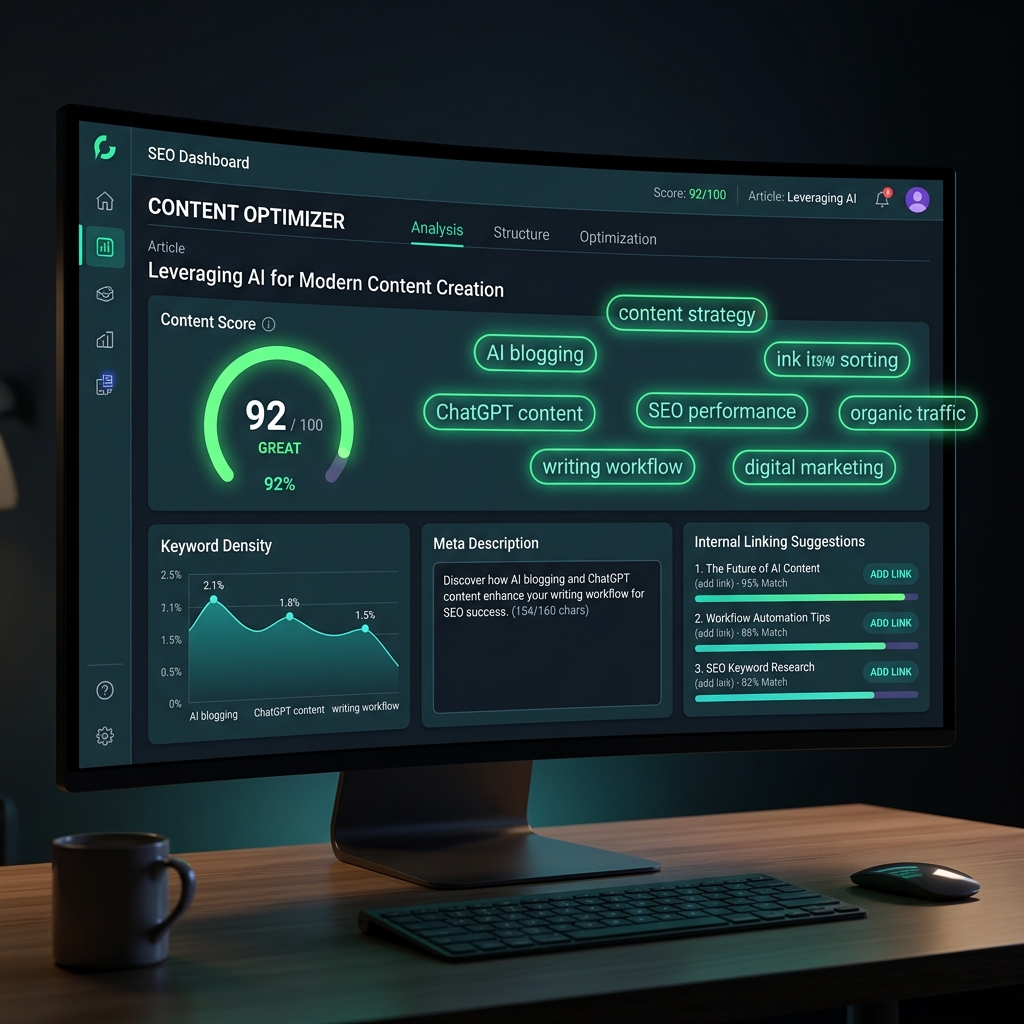
SEO still matters — a lot — even with AI-assisted writing.
Without proper optimization, even excellent articles may never receive organic traffic. And traffic is ultimately what makes a blog sustainable.
I use ChatGPT mostly for supporting SEO tasks rather than controlling the entire process. For example:
"Suggest 10 semantic keyword variations for the topic 'ChatGPT blog writing'."
Or:
"Write a meta description under 155 characters for a blog post about using ChatGPT to write faster."
Those tasks get done in seconds instead of minutes.
But I still manually review:
- Keyword placement — Is the primary keyword in the title, first paragraph, and a few headings?
- Readability — Is the Flesch reading score acceptable for my audience?
- Internal linking — Am I linking to relevant existing posts on my blog?
- Search intent — Does the article actually answer what the searcher is looking for?
Because SEO today is far more about usefulness than keyword stuffing. Google's algorithms have become significantly smarter at detecting thin or manipulative content.
A Common Mistake I See Constantly
Many beginners overload articles with keywords thinking it helps rankings.
It almost always hurts readability instead.
Natural writing performs better in the long run. So instead of repeating "ChatGPT for blogging" fifteen times, I'll naturally use variations like:
- AI writing assistant
- blog content workflow
- writing faster with AI
- content creation tools
That sounds conversational rather than desperate.
Best ChatGPT Prompts I Actually Use
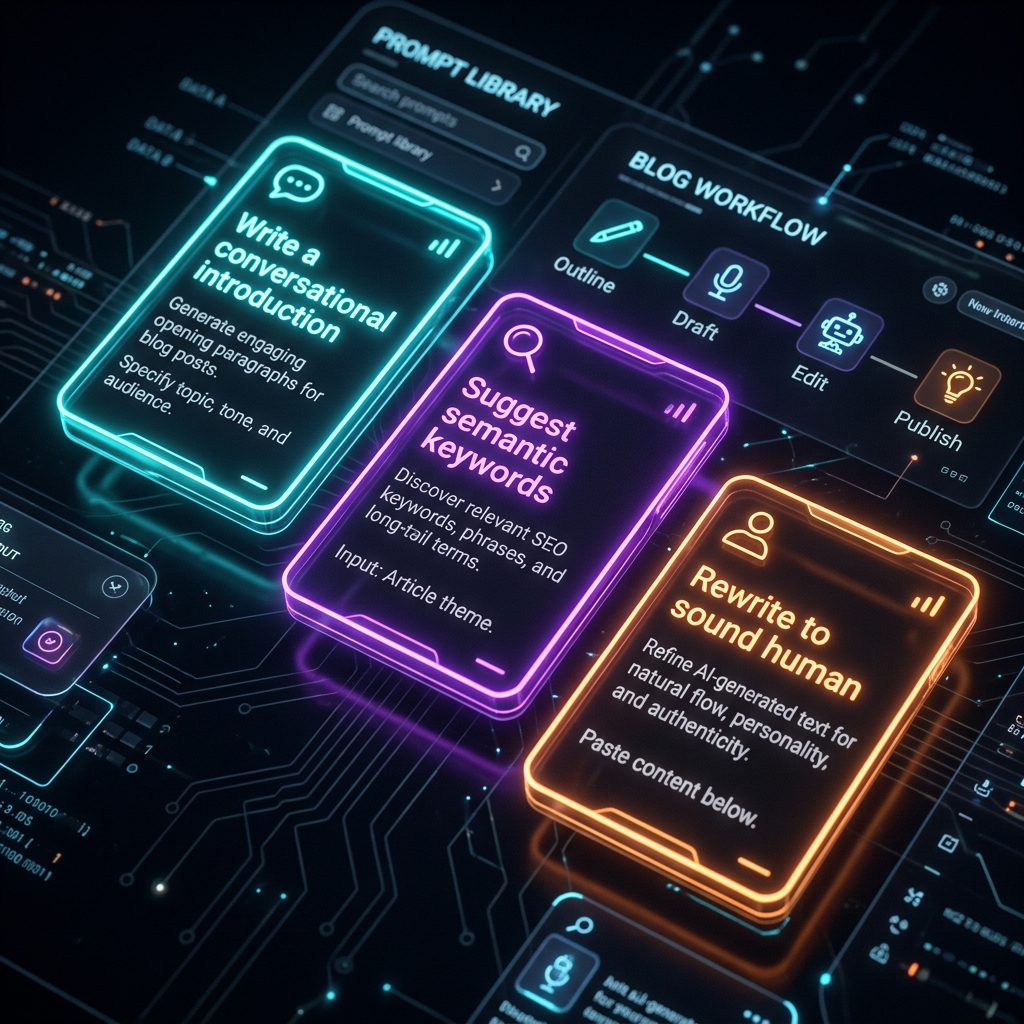
Over time, I realized that prompt quality changes everything about the output.
Weak prompts create weak, generic content. Strong prompts create focused, useful drafts.
Here are the prompts I genuinely use most often in my blogging workflow.
For Generating Blog Ideas
"Suggest 10 practical blog topics for beginner content creators who want to grow organic traffic using AI tools."
For Writing Introductions
"Write a conversational blog introduction about using ChatGPT for blogging. Make it relatable, avoid robotic phrasing, and keep it under 150 words."
For SEO Support
"Suggest semantic keywords related to 'AI blog writing tools for beginners' that I can naturally include in my article."
For Rewriting Sections
"Rewrite this paragraph to sound less formal and more conversational. Keep the same meaning but make it feel more human."
That last prompt is genuinely one of the most useful things ChatGPT does. It can transform stiff, overly polished paragraphs into something that actually sounds like a real person talking.
Mistakes Bloggers Should Avoid with AI Writing

I've tested enough AI-generated content to recognize common patterns that hurt article quality quickly.
Here are the biggest mistakes worth avoiding.
Publishing Raw AI Text
This almost never works well for building a real audience.
Unedited AI writing often sounds repetitive, uses unnatural transitions, and feels emotionally flat. Readers notice this faster than most bloggers expect — and once someone leaves a blog feeling like they were reading a robot, they don't typically come back.
Ignoring Fact-Checking
ChatGPT occasionally states incorrect information with full confidence.
That's genuinely dangerous for credibility.
I always double-check:
- Statistics and data points
- Dates and timelines
- Technical information
- Any quotes attributed to real people
Accuracy builds trust. Incorrect information destroys it.
Depending Entirely on AI for Creativity
This is probably the most subtle and damaging mistake.
AI is fast. But creativity still matters enormously in blogging.
The posts that build loyal audiences usually include:
- A unique perspective or angle
- Storytelling that connects emotionally
- Honest opinions rather than safe generalizations
- Real-world examples with specific details
Those things create genuine connection. AI can assist the process, but it can't manufacture those elements authentically.
My Current Workflow — What Actually Works Right Now
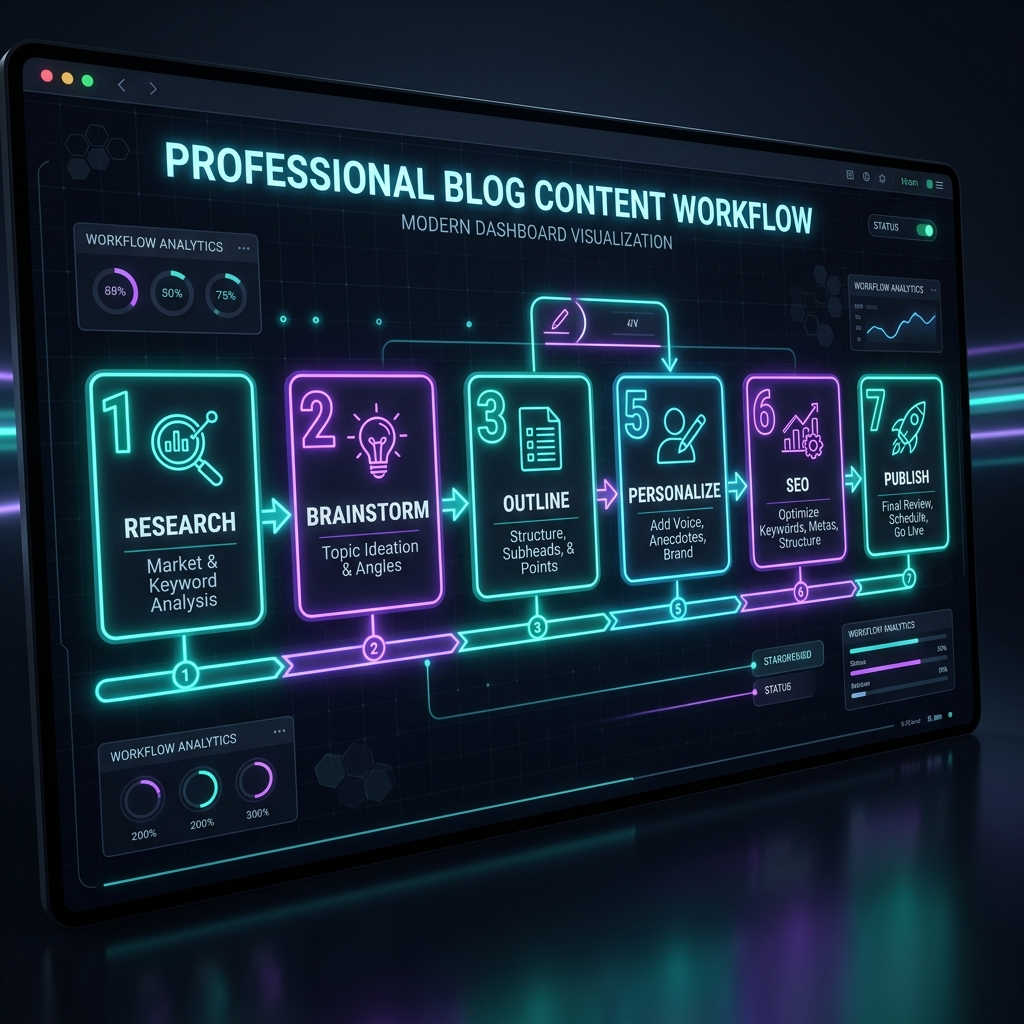
After months of testing different approaches, my current blogging workflow looks like this:
Step 1 — Research the topic manually Understand what people are actually searching for. Validate search demand before committing to an article.
Step 2 — Use ChatGPT for brainstorming and outlining Generate topic angles, title options, and a full structural outline. This is where AI saves the most planning time.
Step 3 — Generate content section by section Write each section with a specific, focused prompt rather than asking for the whole article at once.
Step 4 — Rewrite important sections manually Especially introductions, conclusions, and any sections with strong opinions or personal context.
Step 5 — Add personal examples and observations These are the parts that make content feel genuine. No AI can fabricate your specific experiences.
Step 6 — Optimize SEO naturally Check keyword placement, write a compelling meta description, add internal links, and verify search intent is matched.
Step 7 — Proofread everything before publishing Read the article aloud. If any sentence sounds unnatural when spoken, rewrite it. That simple trick catches more awkward phrasing than any tool I've used.
This workflow consistently produces better results than relying on AI alone — and it's significantly faster than writing everything from scratch.
The Future of AI Blogging — What I Actually Think

AI writing tools will definitely become more advanced over the next few years.
Content creation will get faster. The quality of AI-generated drafts will improve. More bloggers will incorporate AI into their workflow whether they want to or not.
But I still believe human personality will matter more, not less.
Here's why.
As AI content becomes more common, readers will develop sharper instincts for what feels authentic versus what feels automated. The blogs that stand out will be the ones with a distinct voice, real expertise, and genuine perspective — things that algorithms can assist with but cannot manufacture.
The strongest blogs in the future will likely combine:
- AI efficiency — Speed and scale in drafting and research
- Human creativity — Original angles, storytelling, and authentic perspective
- Real expertise — Subject matter knowledge that builds genuine trust
That balance matters more than trying to automate everything.
❓ Frequently Asked Questions
Can ChatGPT write a full blog post by itself?
Technically yes — but the result needs heavy editing before it's ready to publish. ChatGPT works best as a writing assistant, not a replacement. Content that goes live without significant human editing usually feels generic and performs poorly with real audiences.
Will Google penalize AI-written blog content?
Google does not directly penalize AI content. What matters is quality, helpfulness, and whether the content serves the reader's actual intent. AI-assisted content that is well-edited, fact-checked, and enriched with personal experience can rank very well.
What are the best ChatGPT prompts for blogging?
Specific prompts work far better than generic ones. Instead of "write a blog post," try "write a conversational 200-word introduction for a beginner's guide to using ChatGPT for blogging." The more context you provide, the better the output becomes.
How long does it take to write a blog post with ChatGPT?
With a proper workflow, a 1500–2000 word article can be completed in 2–3 hours — including research, outlining, AI drafting, manual editing, SEO optimization, and proofreading. That's significantly faster than writing entirely from scratch.
Is ChatGPT free for bloggers?
Yes. The free plan includes GPT-4o access and covers most blogging needs — topic research, outlining, drafting sections, and generating SEO elements. ChatGPT Plus at $20/month adds priority access and advanced features for heavier users.
How do I make AI content sound more human?
Add personal observations, real examples, and specific details only you can provide. Rewrite introductions manually, vary sentence length intentionally, remove robotic filler phrases, and always read the article aloud before publishing. That final check catches awkward phrasing better than any automated tool.
🔗 Related Posts You'll Find Useful
- Top 10 AI Tools for Bloggers in 2026
- Best Free SEO Tools for Bloggers in 2026
- How to Start a Blog in 2026 (Complete Guide)
- On-Page SEO Checklist for Bloggers 2026
- Keyword Research Guide for Beginners 2026
- How to Get Traffic to Your Website in 2026
🚀 Final Thoughts
ChatGPT can absolutely make blogging faster and more manageable.
It helps generate ideas quickly, organize content efficiently, and reduce the time spent staring at blank pages. For bloggers struggling with consistency or volume, that kind of productivity boost can be genuinely valuable.
At the same time, AI content still needs serious human involvement.
The articles that perform best — in search rankings and with real readers — are the ones where writers have added their own voice, experiences, insights, and careful editing. Readers want useful information, but they also want authenticity. They want to feel like a real person is on the other side of the screen, not a content machine.
So instead of treating ChatGPT like a replacement for writing, treat it like a smart assistant that helps you work faster. Use it to eliminate the repetitive parts. Keep the human parts human.
That mindset makes all the difference.
And honestly? Once you find a workflow that clicks, writing blog posts stops feeling like a chore and starts feeling manageable again. That alone is worth a lot.
