

Best Free SEO Tools for Bloggers in 2026
A few years ago, blogging was simpler. You could write a decent article, sprinkle some keywords in it, get a few backlinks, and Google would often reward you with traffic. That era is mostly gone now.
In 2026, competition is everywhere. Even niche topics that once felt quiet now have hundreds of articles fighting for the same search terms. And with AI-generated content flooding the internet, standing out organically has never been harder — or more rewarding for those who get it right.
That's where the best free SEO tools for bloggers make a real difference.
I learned this the hard way. Early on, I published dozens of articles and got almost no traffic. The content wasn't bad. But I was targeting keywords that were way too competitive, my pages weren't indexed properly, and I had no idea why some posts failed and others didn't. SEO tools changed that completely — and the good news is you don't need an expensive subscription to start.
In this guide, we're going through the best free SEO tools available in 2026, what they actually do, their real limitations, and which combination works best for beginner bloggers.
Why Free SEO Tools Are Good Enough for Most Beginners
Here's something the SEO industry doesn't always say loudly: beginners rarely need premium tools in year one.
The reality is, expensive platforms like Ahrefs Pro or SEMrush Business give you massive data depth and convenience — but if you're just starting out, that depth is overwhelming more than it is helpful. Most beginners don't have 500 pages to audit or a competitor team to analyse daily keyword movements.
What beginners actually need is:
- A clear picture of what's ranking and what's not
- Basic keyword research for content planning
- Visibility into indexing and technical problems
- Understanding of where traffic actually comes from
All of that is available through free tools. You just need to know which ones to use and how.
1. Google Search Console
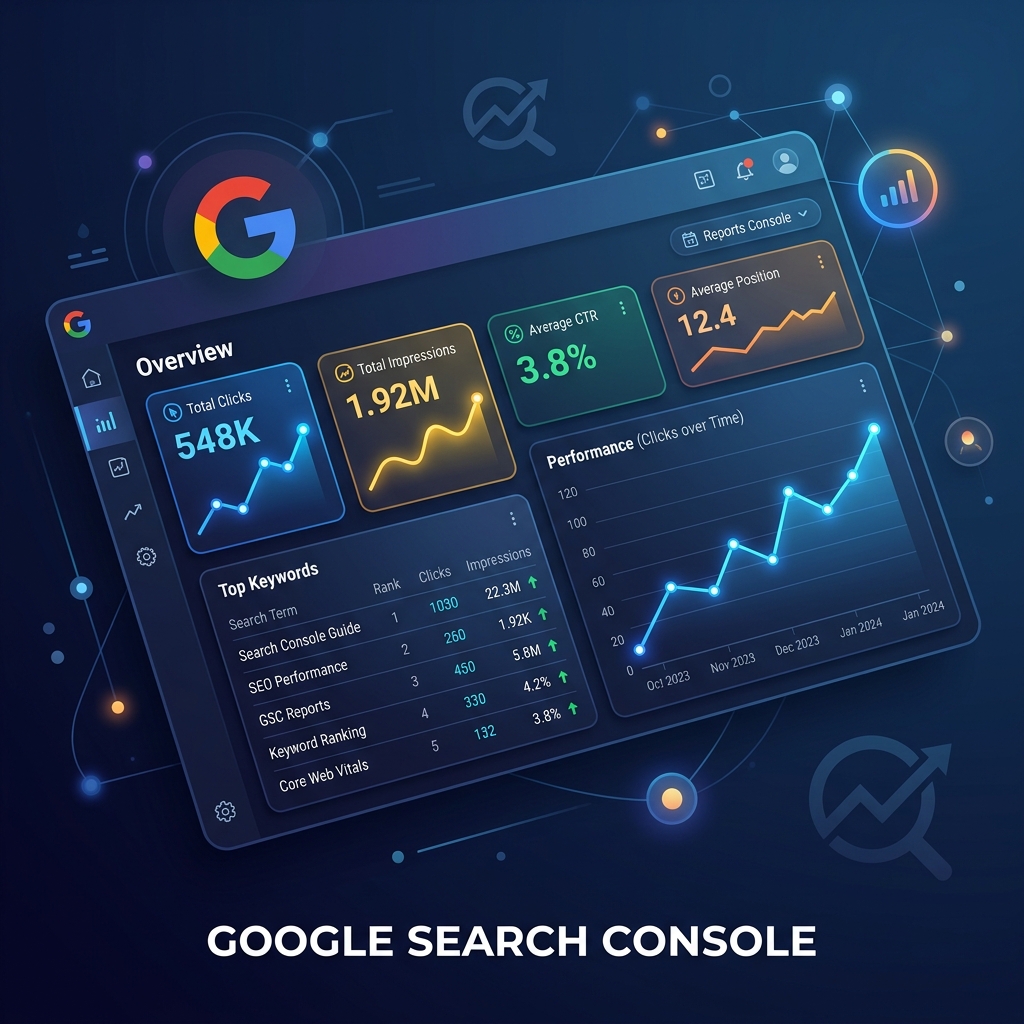 Google Search Console — the most essential free SEO tool for every blogger
The First Tool You Should Install on Any Blog
If you ask any experienced blogger which single tool they'd keep if everything else disappeared, most will say Google Search Console. And honestly, that answer is hard to argue with.
This is the only tool that gives you data directly from Google itself. No estimates. No third-party guesses. Actual numbers from the search engine that matters most.
The first time I used Search Console seriously, I found something I hadn't expected. One article was getting nearly 4,000 impressions per month but had a click-through rate of under 0.5%. The post was ranking, just not in a compelling way. I rewrote the title and meta description, and within three weeks the CTR jumped noticeably. That kind of insight is genuinely hard to get anywhere else.
What Bloggers Actually Use It For
- Tracking which keywords bring traffic to which pages
- Checking if new posts have been indexed by Google
- Finding pages that rank but have weak CTR — usually a title problem
- Identifying Core Web Vitals issues affecting mobile users
- Submitting sitemaps for faster crawling
- Spotting any manual actions or security issues
Features Worth Understanding
Performance Report — This is the one you'll visit most often. It shows total clicks, impressions, average position, and average CTR. You can filter by page, query, device, and country. What makes this useful for bloggers is that you often discover you're ranking for keywords you never planned to target. That creates content update opportunities.
URL Inspection Tool — After publishing a new post, use this to check if Google has indexed the page. If not, you can request indexing manually. Very useful for new blogs that haven't built strong crawl authority yet.
Core Web Vitals — Speed and page experience matter more in 2026 than ever before, especially on mobile. Search Console groups your pages into Good, Needs Improvement, and Poor categories so you know where to focus technical effort.
Free Limits
There are basically none. Google Search Console is completely free. No trial. No premium tier with locked features. It works the same for a blog with five posts as it does for a site with 50,000 pages.
Beginner Friendly Rating: ★★★★☆
The dashboard might feel unfamiliar for the first week or two, but most bloggers get comfortable quite quickly. Start with the Performance tab and URL Inspection. The rest can be explored gradually.
2. Google Analytics
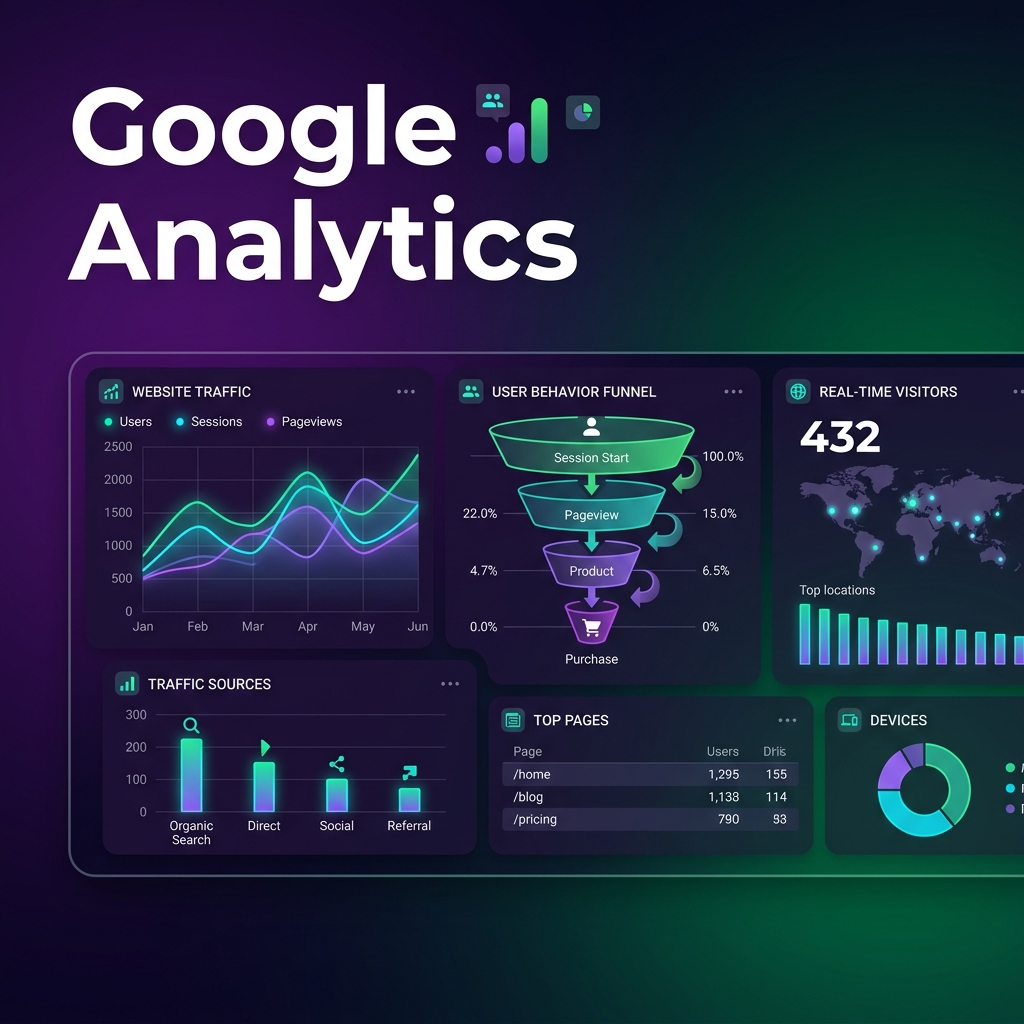 Google Analytics — understand what visitors do after arriving on your blog
Understanding What Visitors Actually Do on Your Blog
Search Console tells you how people find your website. Google Analytics tells you what they do after arriving. That distinction matters more than most beginners realise.
Think about it this way. A post might be getting decent traffic but has a bounce rate that tells you visitors leave in under 15 seconds. That's a signal. Maybe the intro doesn't match what the title promised. Maybe the content loads too slowly. Maybe the mobile layout is broken. Analytics helps you see these patterns before they permanently damage your rankings.
What You Can Track
Traffic Sources — You can see exactly where your visitors come from. Google organic search, Pinterest, YouTube, Facebook, direct visits, or referrals from other websites. This helps you understand which marketing channels deserve more of your effort.
Top Performing Pages — One thing I personally love about Analytics is discovering which articles unexpectedly perform well. Sometimes a post you wrote casually becomes your biggest traffic source. That tells you something important about what your audience actually cares about.
Audience Insights — Device types, user locations, returning visitors vs. new visitors, and session duration. For bloggers optimising for a specific region or trying to understand their core audience, this data is genuinely useful.
Real-Time Reporting — This one's a small thing, but seeing live visitors on your blog is surprisingly motivating in the early months. Even ten concurrent readers feels like progress when you're starting out.
The GA4 Learning Curve
Let's be honest — Google Analytics 4 confused a lot of people when it launched, including bloggers who had used the old Universal Analytics for years. The navigation is different and some reports that used to be simple now require more clicks.
But once you understand the Explore section and how to build custom reports, it becomes quite powerful. For beginners, the default reports under Acquisition and Engagement are a good starting point.
Free Limits
Completely free for almost every blogger. Enterprise-level paid features exist but only matter for huge platforms with millions of monthly sessions.
Beginner Friendly Rating: ★★★☆☆
Moderate learning curve. Worth the effort because the data you get from it is irreplaceable.
3. Ubersuggest
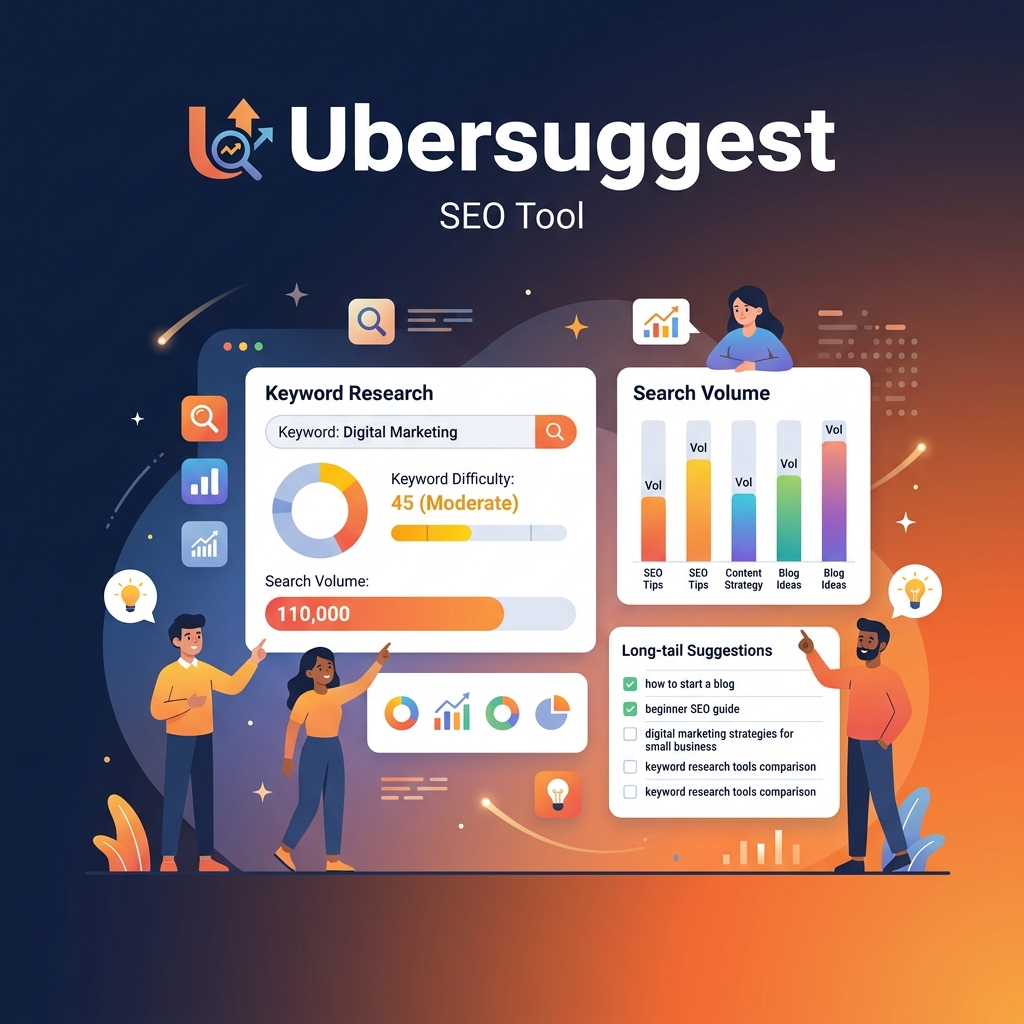 Ubersuggest — probably the most beginner-friendly keyword research tool available
The Easiest SEO Tool for Beginners Who Want to Do Keyword Research
Some SEO tools feel like they were designed by engineers, for engineers. Ubersuggest doesn't. That's honestly one of the main reasons beginners like it.
The dashboard is colourful, clean, and laid out in a way that actually makes sense to someone who's never done keyword research before. If you're just getting started with content planning and you want to understand what people are searching for in your niche, starting here is a smart move.
What Makes It Genuinely Useful
Keyword Research — Type any seed keyword and you'll get search volume, SEO difficulty score, CPC data, and a list of related keyword ideas. What's really useful for bloggers is the long-tail keyword section. Type "home workout" and you'll get variations like "home workout for beginners without equipment," "home workout plan for women over 40," and dozens of similar phrases. These long-tail variations are usually far easier to rank for and often match search intent more precisely.
Competitor Research — Enter a competitor's domain and see which pages bring them the most traffic and which keywords they rank for. The data isn't always perfectly accurate, but it gives you a solid starting direction when you're looking for content gap opportunities.
SEO Audit — Ubersuggest's site audit feature checks for broken links, missing meta tags, slow page load times, and common on-page SEO issues. For a free tool, it's surprisingly thorough.
Content Ideas — There's a content ideas section that shows articles related to your keyword along with estimated traffic and backlink data. Great for competitive research and understanding what kind of content performs well in your space.
Free Limits
Yes, there are limitations worth knowing. The free version restricts how many searches you can do per day. If you're doing serious daily research, you'll hit the limit quickly. But for a blogger publishing two or three articles per week, the free version usually works well enough for content planning sessions.
Beginner Friendly Rating: ★★★★★
Probably the most beginner-accessible SEO tool on this list. Clean interface, clear data, helpful for content planning from day one.
4. Ahrefs Free SEO Tools
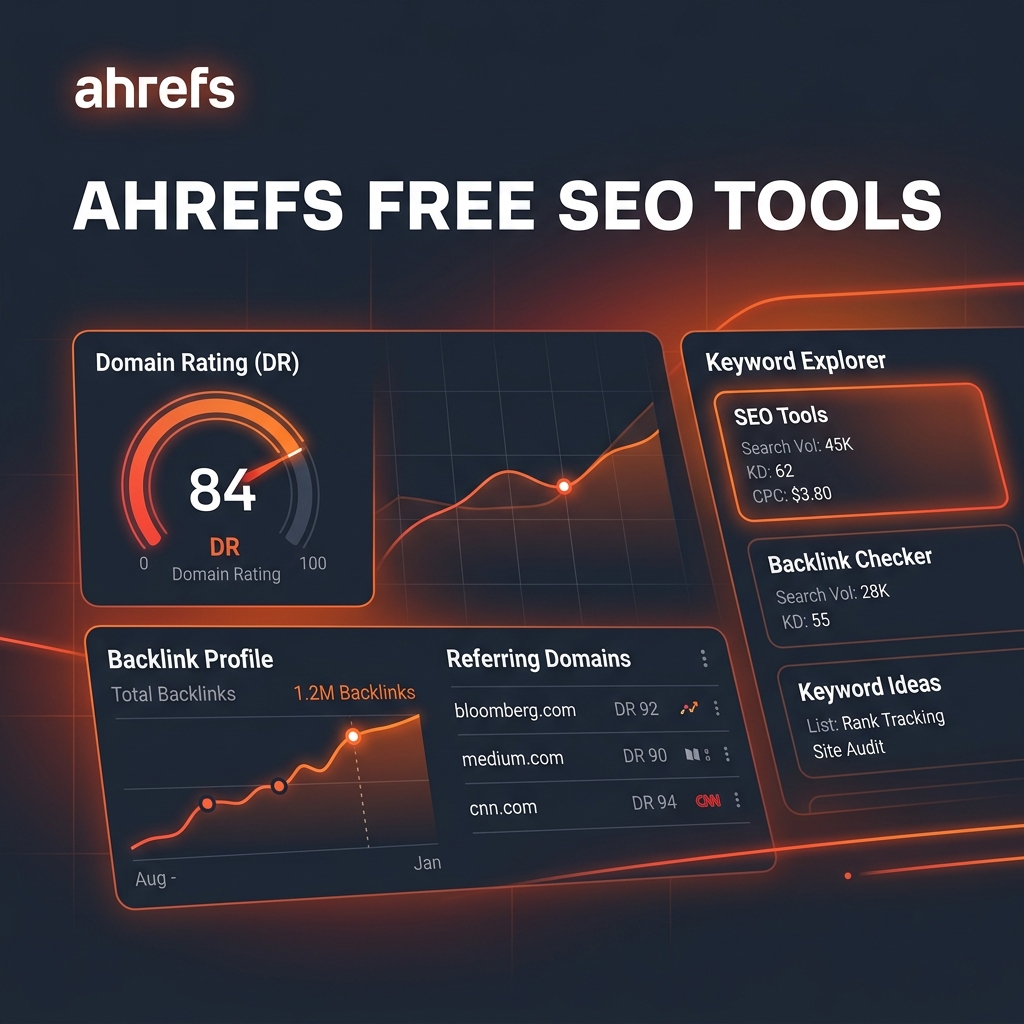 Ahrefs free tools — limited access to one of SEO's most respected data sources
Why Experienced SEOs Respect Ahrefs
Ahrefs is one of those names that comes up constantly in professional SEO conversations. Their data — particularly backlink data — is widely considered among the most accurate available. Premium plans are expensive for beginners, but the free tools they offer are still worth using occasionally.
Free Features That Actually Help Bloggers
Ahrefs Webmaster Tools — This is probably the most valuable free offering from Ahrefs. Connect your website and you get access to technical SEO health reports, crawl data, backlink analysis, and SEO error flags. It's more detailed than most free tools provide. The backlink monitoring alone can alert you when you gain or lose important links.
Keyword Generator — One underrated feature is the question-based keyword suggestions. In 2026, a significant portion of searches are phrased as questions — "how to lose belly fat naturally," "what is technical SEO," "how long does it take to rank on Google." These question formats often match featured snippet opportunities perfectly, and Ahrefs' keyword generator is quite good at surfacing them.
Backlink Checker — You can check any domain's top backlinks for free. It's limited — you only see the top 100 backlinks and some data is restricted — but for a quick competitive backlink audit, it gives you a useful starting point without needing a full subscription.
Free Limits
This is where things feel restricted compared to the paid version. You get partial data in most sections, daily search limits, and fewer historical data points. If you use Ahrefs seriously, you'll want the paid plan eventually. But for occasional research, the free tools earn their keep.
Beginner Friendly Rating: ★★★☆☆
Usable for beginners, but the interface is more data-dense than Ubersuggest. Better suited for bloggers who have some SEO experience already.
5. SEMrush Free Features
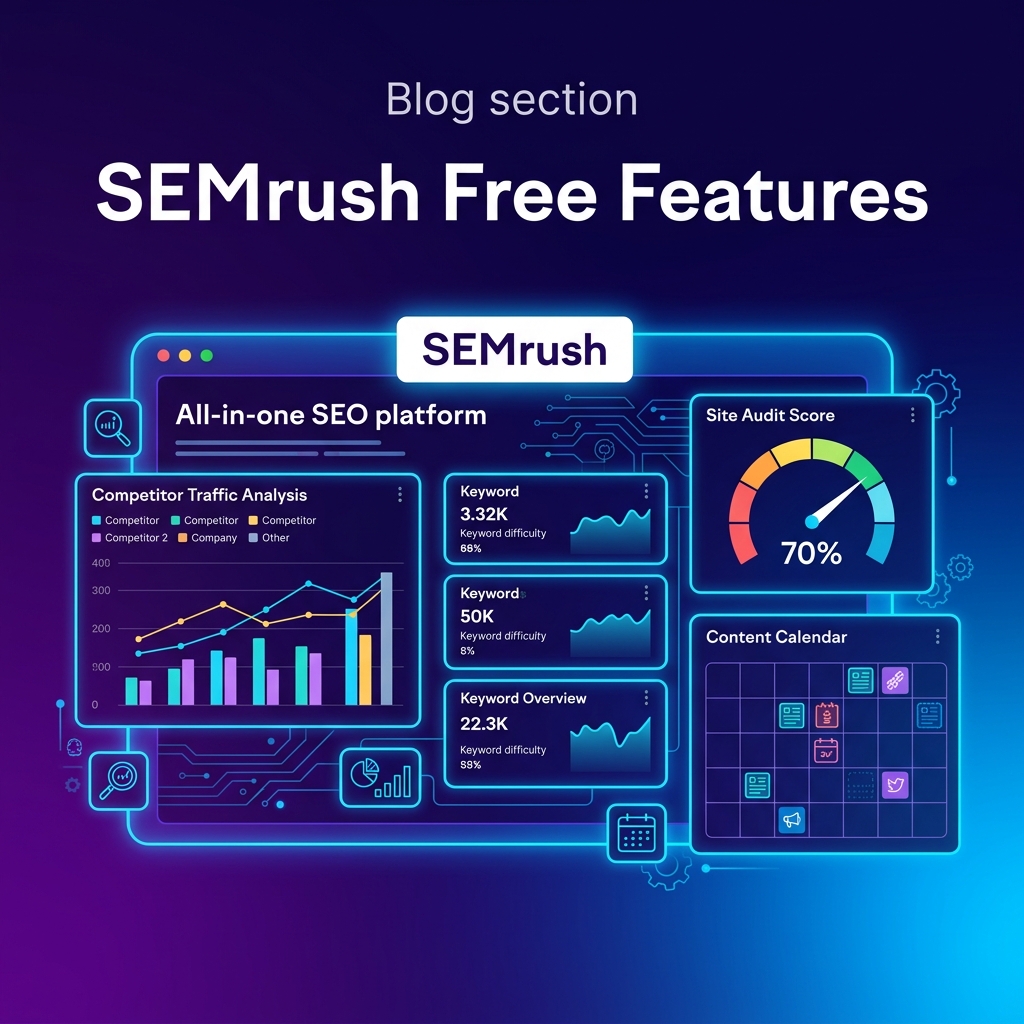 SEMrush — an all-in-one SEO platform with useful free features for bloggers
A Powerful Platform That Tries to Do Everything
SEMrush is one of those platforms that covers SEO, competitor analysis, content marketing, advertising research, and social media tracking all under one roof. For experienced marketers, that breadth is genuinely valuable. For beginners, the number of features can feel overwhelming at first.
That said, the free version includes some genuinely useful things that are worth testing.
Features Bloggers Use Most
Keyword Overview — Quick search volume, keyword difficulty, search trends, and related keywords in a clean format. Good for validating keyword ideas before investing hours writing an article.
Competitor Research — This is where SEMrush gets interesting. You can enter any competitor domain and see their estimated organic traffic, top ranking pages, and best-performing keywords. It helps you identify content gaps — topics your competitors rank for that you haven't covered yet.
Site Audit — SEMrush's audit feature crawls your site and identifies technical problems. It categorises issues by severity so you know what to fix first. The free version limits how many pages it audits, but for smaller blogs it usually covers enough to be useful.
Position Tracking — You can track keyword rankings over time. The free version restricts this significantly, but for monitoring a handful of your most important target keywords, it's workable.
Free Limits
The free plan feels quite restricted compared to what the platform can actually do. You get a limited number of reports per day and searches are capped. Once you start using it seriously, you'll notice the limits quickly.
Beginner Friendly Rating: ★★★☆☆
Not the friendliest starting point, but worth experimenting with, especially the competitor research features.
6. Screaming Frog SEO Spider
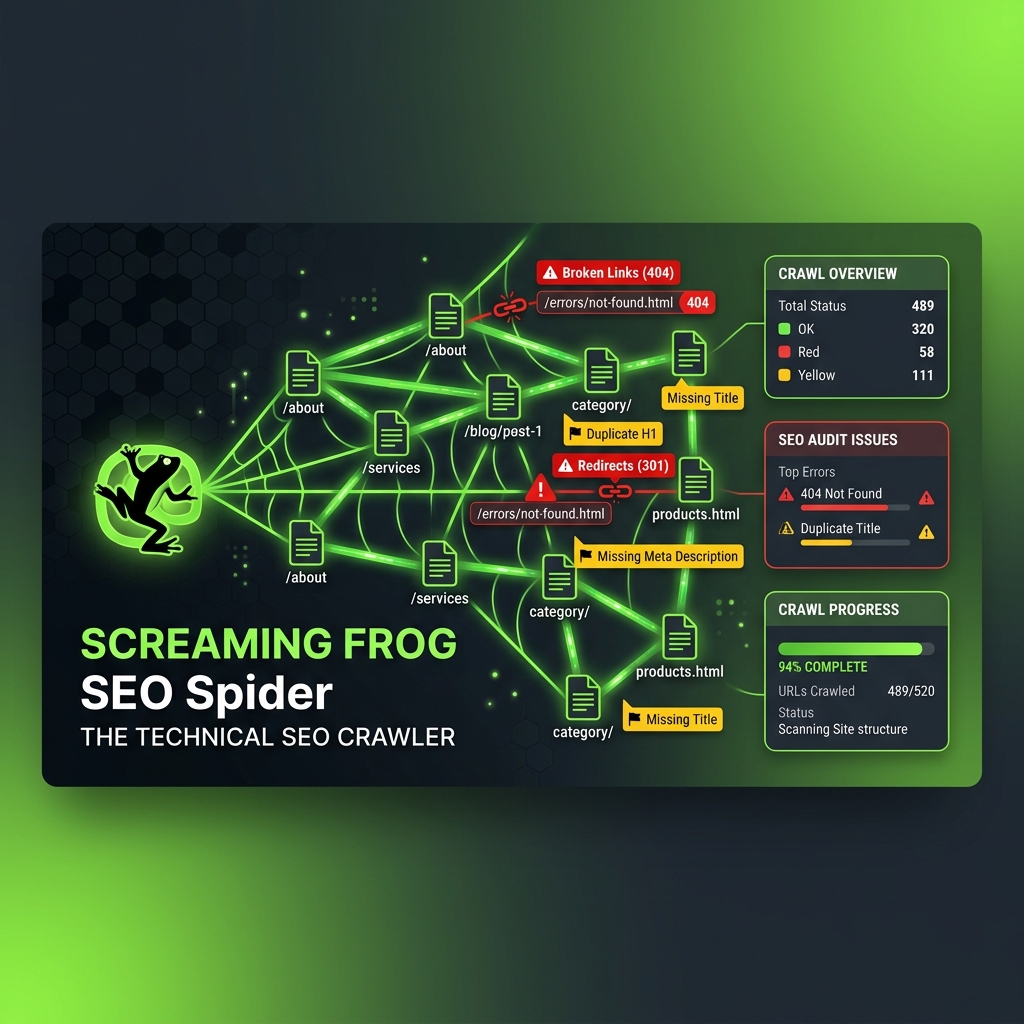 Screaming Frog SEO Spider — the technical SEO tool most beginners overlook
The Tool Most New Bloggers Completely Ignore
Most beginning bloggers focus almost entirely on keywords and content. Very few pay attention to technical SEO. That's where Screaming Frog becomes genuinely useful — and where bloggers who do learn it often gain a real advantage.
The interface looks old-school compared to modern web-based tools. It's a desktop application, not a browser dashboard. But don't let that put you off. What it does under the hood is impressive.
Screaming Frog crawls your website the same way Google's bots do. It visits every page, follows every link, and reports back on technical problems that might be quietly hurting your SEO — problems many bloggers never notice until their rankings start dropping unexpectedly.
What It Finds That Other Tools Miss
Broken Links — Internal links pointing to 404 pages create a poor user experience and waste crawl budget. Screaming Frog finds them all in one pass, which is far faster than checking manually.
Metadata Issues — Missing title tags, duplicate meta descriptions, titles that are too long or too short, pages without H1 headings. These small technical issues add up quickly on blogs with dozens of posts.
Redirect Chains — If you've moved content around or changed URLs, redirect chains can quietly slow down your pages. Screaming Frog identifies multi-hop redirects that should be cleaned up.
Thin Content — It can flag pages with very low word counts, which might be pages Google considers low-quality.
Internal Link Structure — Good internal linking helps both users navigate your site and Google understand your content hierarchy. Screaming Frog shows you which pages get the most internal links and which are isolated.
Free Limits
The free version allows crawling up to 500 URLs. For most small and medium-sized blogs, that's enough to cover the entire site. If your blog has more than 500 pages, you'll need the paid version for a complete audit.
Beginner Friendly Rating: ★★☆☆☆
Honest answer: not beginner-friendly at first. There's a real learning curve. But bloggers who put in the time to learn technical SEO consistently outperform those who don't, simply because most competitors skip this step entirely.
Best Free SEO Tool Combination for New Bloggers
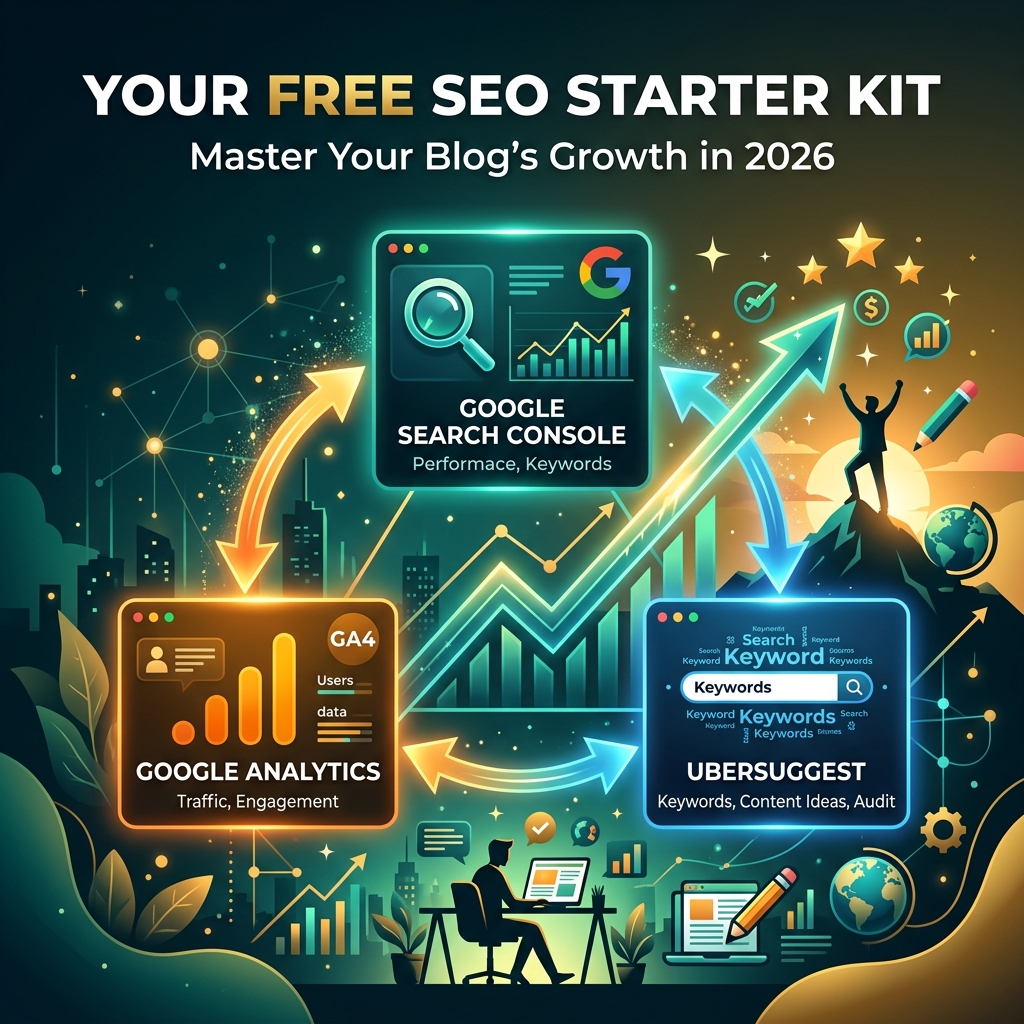 The ideal free SEO toolkit for beginners — three tools that cover most of what you actually need
You Don't Need to Buy Anything to Start Growing
Here's my honest recommendation for someone starting a blog today: don't buy expensive SEO tools yet.
Most beginners don't fully use premium features anyway. And the tools covered here — especially the free tier — genuinely cover what you need in year one.
The Starter Setup That Actually Works
Google Search Console for:
- Monitoring which keywords bring traffic
- Checking that your posts are indexed properly
- Identifying pages with weak CTR that need better titles
- Spotting Core Web Vitals issues
Google Analytics for:
- Understanding where your traffic comes from
- Seeing which pages keep visitors engaged longest
- Finding underperforming posts that need improvement
- Tracking your blog's growth month over month
Ubersuggest for:
- Planning content around achievable keywords
- Finding long-tail variations to target
- Checking what competitors are ranking for
- Getting content ideas when you're stuck
That combination covers keyword research, performance monitoring, traffic analysis, and content planning — which is honestly everything a beginner blog needs to build steady, consistent growth.
Once you reach a point where you're publishing regularly, ranking on the first page for multiple keywords, and have clear content gaps to fill, then it makes sense to consider a paid tool like Ahrefs or SEMrush for deeper data.
Quick Comparison: Free SEO Tools at a Glance
| Tool | Best For | Free Limit | Beginner Score |
|---|---|---|---|
| Google Search Console | Rankings and indexing | No limits | ★★★★☆ |
| Google Analytics | Traffic and behaviour | No limits | ★★★☆☆ |
| Ubersuggest | Keyword research | Daily search cap | ★★★★★ |
| Ahrefs Free Tools | Backlinks and technical SEO | Partial data | ★★★☆☆ |
| SEMrush Free | Competitor research | Limited reports daily | ★★★☆☆ |
| Screaming Frog | Technical SEO audits | 500 URLs | ★★☆☆☆ |
Beginner Tips: Getting the Most From Free SEO Tools
Before wrapping up, here are a few practical observations from using these tools consistently.
Set up Search Console before you publish your first post. Don't wait until you have traffic to worry about indexing. Submit your sitemap on day one so Google starts crawling your content as early as possible.
Check Analytics weekly, not daily. Daily fluctuations are normal and often meaningless. Weekly patterns tell you far more about what's actually working.
When doing keyword research on Ubersuggest, focus on SEO difficulty scores below 35. For brand new blogs with no authority, targeting keywords with difficulty scores above 50 is usually a waste of effort at the start.
Run a Screaming Frog crawl every quarter. Even if you're not a technical SEO person, a quarterly crawl catches issues before they grow into bigger ranking problems.
Don't obsess over data in month one. In the early stages, consistent publishing and learning how to find achievable keywords matters more than daily analytics reviews. Tools are most useful once you have enough data to learn from.
Final Thoughts
A lot of beginner bloggers think successful blogging is just about writing well. It's really not — at least not entirely. Understanding how people actually search, why some pages rank and others don't, and what technical issues quietly hurt your site is equally important.
The good news is that the best free SEO tools for bloggers in 2026 are genuinely powerful. Google Search Console, Google Analytics, and Ubersuggest as a starting trio will take most bloggers quite far without costing anything.
The most important thing isn't owning the most expensive software. It's learning how to read data properly and using those insights to make your content better, one article at a time.
If you're just starting, focus on:
- Publishing useful, well-researched content regularly
- Learning keyword research before you write, not after
- Checking Search Console monthly for quick wins
- Understanding what your audience actually does on your site
- Building consistency before worrying about advanced tools
Expensive SEO subscriptions can wait. Good data habits and smart content choices matter far more at the beginning.
And honestly, that part of successful blogging probably won't change regardless of what year it is.
Related Guides & Resources
- What is SEO and How Does It Work in 2026: A beginner-friendly breakdown of how search engines actually rank content today.
- Keyword Research Guide for Bloggers (2026): Step-by-step guide to finding low-competition keywords that actually drive traffic.
- On-Page SEO Checklist 2026: Every on-page optimisation technique you should apply before hitting publish.
- How to Get Traffic to Your Website in 2026: A complete guide to organic and social traffic strategies for new bloggers.


